
Get the slot.
Skip the queue.
SlotOwl watches the appointment portal from inside your own Chrome session and alerts you the moment a slot opens — by desktop notification, email, or push to any device you've paired.
Chrome on Windows & Mac · Desktop, email, & cross-device push · Browser-side monitoring
Built for one job.
Government appointment portals. That's the whole list.
Three steps.
That's it.
No new account at the portal. No password to share. No server hitting their site for you.
Install & sign in
Add SlotOwl to Chrome and sign in with Google. Takes a minute.
Open the portal
Log into the appointment portal yourself. We never see your credentials.
Get the bell
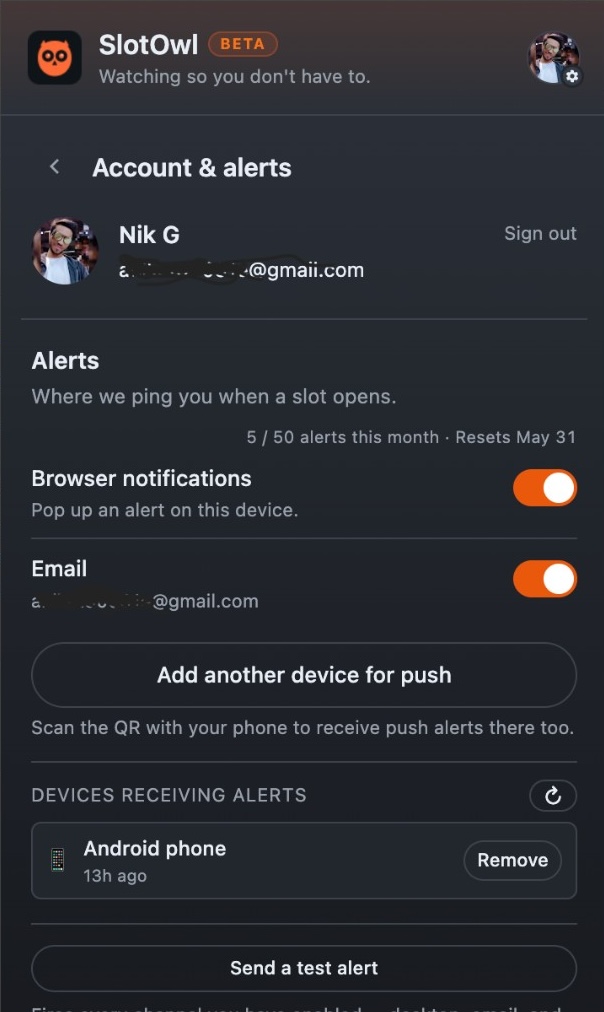
When a slot opens, Chrome fires a desktop notification on this profile, an email to the address on your account, and a push to any other device you've paired — pick the channels you want.
Built like a tool,
not a landing page.
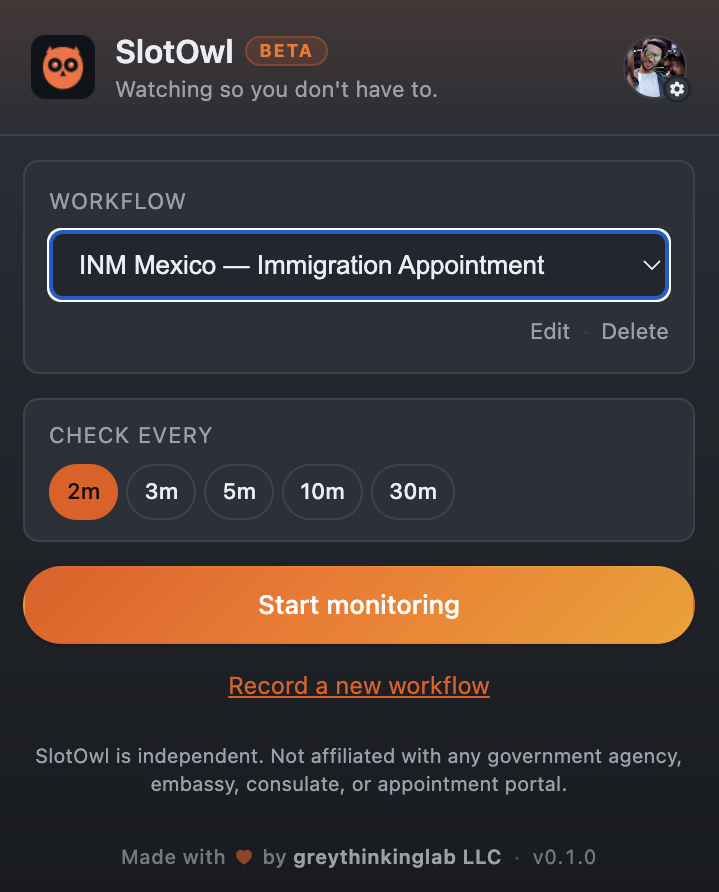
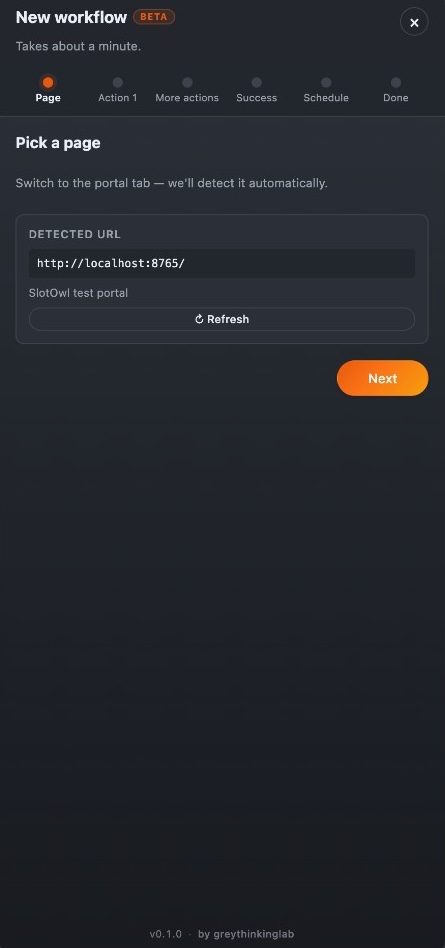
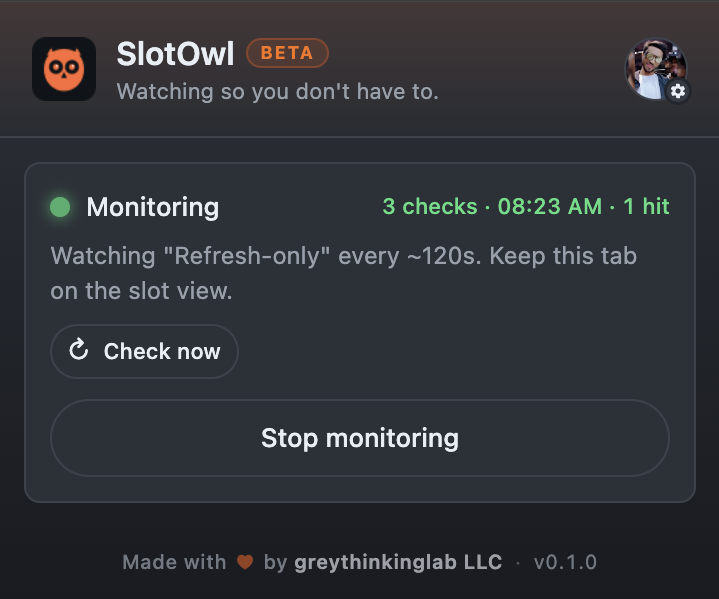
Three screens from the shipped Chrome extension. Same one you'll be running in 60 seconds.
See it in motion.
No login wall, no demo schedule. Press play.
Three commitments.
Verifiable.
The reason this isn't another visa Telegram bot.
Asked first.
Straight answers about how SlotOwl works.
What does SlotOwl cost?
Free right now. We haven't announced any paid model yet — if and when that changes, we'll post the terms on this site first.
How do I get notified when a slot opens?
Three channels, you pick whichever you want enabled in the popup:
- Desktop notification on the Chrome profile that's monitoring — fires locally, no network round-trip.
- Email to the address on your account.
- Cross-device push — pair your phone or another browser via the QR code in the popup; alerts ping all paired devices.
Will my portal account get banned?
Almost certainly not. SlotOwl polls from inside the same Chrome tab you'd be sitting at refreshing yourself — same IP, same session, same cookies. The portal sees a logged-in user clicking a button.
We also ship adaptive backoff: if the portal returns a CAPTCHA, error page, or rate-limit interstitial, polling automatically widens to up to 10 minutes between checks until things look healthy again. Bots don't do that.
Do you store my portal password?
No. We literally cannot — SlotOwl never asks for it. You log into the portal yourself in Chrome. SlotOwl runs inside that already-authenticated tab.
Which browsers are supported?
The public beta is Google Chrome on Windows, macOS, or Linux. Install from the Chrome Web Store, pin the extension, and keep the monitored portal tab open while SlotOwl runs.
Stop refreshing.
Start hearing the bell.
Free Chrome extension. Desktop notifications, email, and cross-device push. Install and send feedback anytime.